Bible apps where you scroll like TikTok, compared
Last updated
Yes, several Bible apps use a vertical swipe feed. The Good Scroll pairs verses with nature photos, Gen Z Bible scrolls by mood, Swipture swipes through free KJV, WEB and Douay-Rheims text, Bible Chat added a one-verse swipe mode in October, and BibleScroll adds tap-a-verse AI study to a King James feed.
Swipe one verse at a time, Genesis to Revelation, with AI help on any verse. The full King James text is free.


 Scan with your phone
to get the app
BibleScroll makes this page, so read it with that in mind. Every competitor detail below comes from the competitor's own page, fetched on October 24, 2026. Prices and features change, so check the store before you buy.
| App | What you scroll | Cost (their page) | Best for |
|---|---|---|---|
| The Good Scroll | 100+ verses with nature photos | Free, listing says no ads | A calm mood scroll |
| Gen Z Bible | Verses by mood, in modern wording | See its listing | Feelings-first reading |
| Swipture | Bible one verse at a time, KJV, WEB, DRA | Free with ads, Premium removes them | Offline reading on Android |
| Bible Chat | Chapter view, or one verse per swipe as a mode | Free to download, see its listing | A devotional app with an optional swipe mode |
| Scroll The Bible | Full-screen verse feed | See its listing | A feed with study tools |
| BibleScroll | One verse per swipe, Genesis to Revelation | Free KJV, Premium adds translations | Reading in order with AI study on tap |
The Good Scroll: verses over nature photos
Its App Store listing describes a vertical swipe feed "identical to TikTok and Reels," with 100+ verses across themed filters, nature photography, and "No ads. No algorithms. No noise." It is free. Best for a calm, short mood scroll. Not for you if you want to read in order through a whole book or study a verse, since the listing describes a fixed set.
Gen Z Bible: scroll by mood, in modern wording
Gen Z Bible's site says one verse fills the screen and you swipe up for the next, and its listing adds mood collections, a daily devotional and SOAP study notes. It rewrites verses in everyday language and has a "See OG Version" button for the traditional wording. Not for you if you want the plain KJV text as the main view.
Swipture: swipe through the whole Bible, free with ads
Swipture's Google Play page says you swipe through the Bible one verse at a time, with free KJV, WEB and Douay-Rheims text that works offline. It lists "The free version shows ads," and a Premium tier that removes them. It is on Google Play. We did not find an App Store listing. Not for you if ads break the mood.
Bible Chat: a swipe mode added to a bigger app
Bible Chat is a large devotional and AI app (about 370,000 App Store ratings). Its version 5.1.5 notes, dated October 27, 2026, say you can read "the whole chapter, or one verse at a time with a swipe," plus a Focus mode that hides everything else. Swiping is one reading mode there, not the whole app. Not for you if you want the feed to be the main screen.
Scroll The Bible and BibleScroll
Scroll The Bible is on the App Store as a full-screen feed with study tools. BibleScroll moves one verse per swipe from Genesis to Revelation, with the full King James free. Tap a verse for plain wording, the Greek or Hebrew, and related verses. The AI can be wrong, so check it against the text. BibleScroll is newer, with 22 ratings.
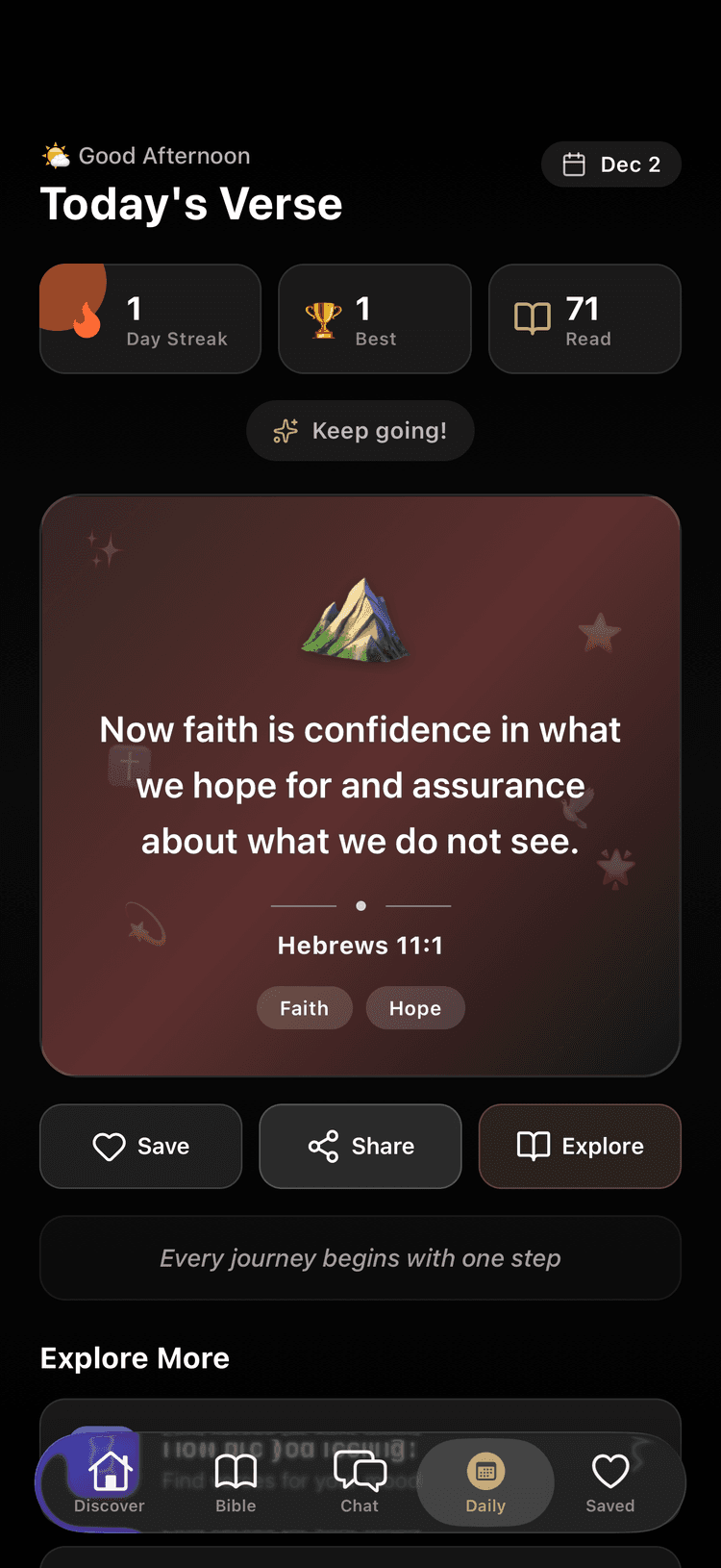
See it in action
Here is one of our own verse decks, so you can judge the format yourself.
Before anxiety becomes your whole feed, read one verse first. Psalm 4:8, Philippians 4:6–7, 1 Peter 5:7 and John 14:27.
Watch on TikTokFrequently asked questions
Is there a Bible app where you scroll like TikTok?
Yes. The Good Scroll, Gen Z Bible, Swipture, Scroll The Bible and BibleScroll all use a vertical swipe feed, and Bible Chat has a one-verse swipe mode.
Which scrolling Bible app has no ads?
The Good Scroll's listing says "No ads." Swipture says its free version shows ads. Check BibleScroll's listing for current terms.
Which app reads the Bible in order?
Swipture and BibleScroll both swipe through the Bible one verse at a time. The Good Scroll uses a fixed set of 100+ verses.
Is any of them on both iPhone and Android?
BibleScroll and Gen Z Bible list both stores. The Good Scroll's listing is on the App Store, and we found Swipture on Google Play.
Does scrolling the Bible count as real Bible reading?
It is a way in. Read the chapter around a verse that catches you, in the app or in print.
Can the AI in BibleScroll be wrong?
Yes. The app says so. Check every answer against the verse.
Try BibleScroll free
One verse per swipe. Full King James text free. AI help on any verse.
Scan with your phoneto get the app